
Optimizing a DSPy program changes the thing you need to observe. A production answer may depend on a signature, selected demonstrations, an optimized instruction, a language model, and retrieval behavior. “We did not change the code” does not mean the deployed program stayed the same.
DSPy observability links each production prediction to the deployed program artifact and its execution evidence. Keep optimization traffic separate from real user traffic, record the version that served each request, and inspect module-level behavior when the final prediction is wrong.
Agnost AI can capture your DSPy application’s request and response through its conversation SDK. Its DSPy integration also describes OpenInference instrumentation and OpenTelemetry export for deeper execution detail.
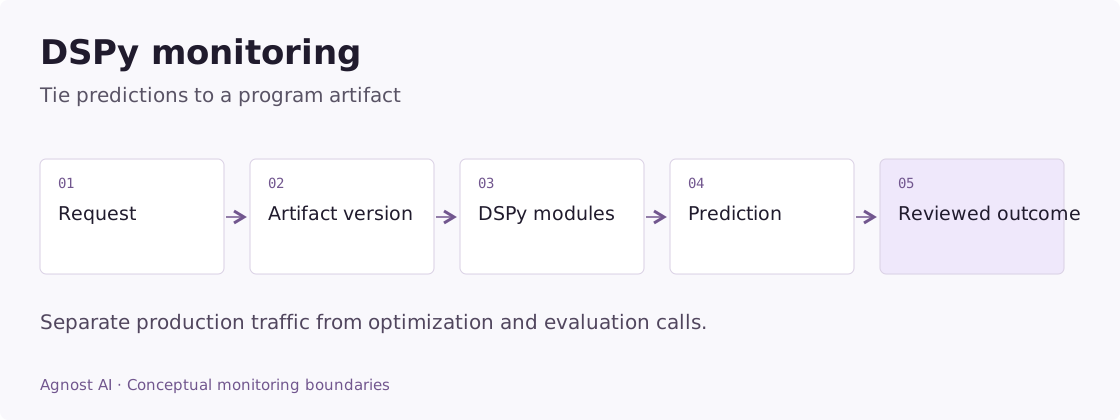
Worked example: a better offline score, worse production answers
Consider an illustrative question-answering program whose new optimized artifact scores better on its development examples. After release, users with longer, multi-part questions begin asking for corrections.
Start by verifying that those requests actually used the new artifact. Record an immutable artifact identifier at load time and attach it to requests. A deployment name that is reused for different files cannot answer this question reliably.
| Comparison | Hold steady | What a mismatch can explain |
|---|---|---|
| Program A versus B | Task category and input difficulty | Changes caused by traffic mix |
| Model configuration | Provider and generation settings | A model change blamed on the optimizer |
| Retrieval | Index and source revision | Different evidence feeding the same program |
| Output contract | Signature and scoring criterion | Scores measuring different goals |
| Traffic type | Production requests only | Optimizer calls inflating usage |
If the regression appears only on multi-part questions, inspect whether the demonstrations or program instructions encourage a single short answer. If retrieval evidence is missing, investigate that dependency before editing the optimized prompt.
The finding should identify a changed behavior and its supporting examples. It should not read “optimization made the model worse” without controlling for the other changes. Agnost can hold the production interaction evidence; deciding correctness still requires your task-specific review or authoritative outcome.
Metrics that answer useful DSPy questions
Use these definitions to design your measurement plan. Calculate them from the required application or tracing evidence; they are not all precomputed dashboard metrics.
| Metric | Definition | Interpretation |
|---|---|---|
| Production prediction errors | Failed production module invocations / production invocations | Exclude optimization and development evaluation traffic. |
| Correction by artifact | Reviewed incorrect predictions / reviewed predictions for that artifact | Compare similar input categories and review criteria. |
| Serving latency | Elapsed public prediction time | Separate cache hits and multi-module paths where observed. |
Version the program, not just the Python file
An application release should identify the program artifact actually loaded. A source commit alone can miss a changed optimized prompt or demonstration set.
| Attribute to record | Purpose |
|---|---|
| Program artifact version | Identifies the optimized program used |
| Signature/schema version | Explains changes to the input/output contract |
| Model configuration | Separates model changes from program changes |
| Retrieval/index version | Identifies the evidence source |
| Traffic type | Separates optimization, evaluation, and production |
| User/conversation identity | Preserves real usage context |
Store a version or digest, not the full optimized artifact on every request. These are application metadata conventions; choose names that remain consistent across releases.
Wrap the production module call
Install agnost in the environment that already runs DSPy. This example assumes your existing qa module accepts question and returns answer. It does not change the module or start a new optimization.
Example scope: the code below is an integration adapter for an existing application. Configure its framework, model, credentials, and output contract as described; the demo screenshots were not generated by running these snippets.
import os
import agnost

agnost.init(os.environ["AGNOST_ORG_ID"])


def answer_with_program(qa, question, *, user_id, conversation_id,
                        program_version):
    interaction = agnost.begin(
        user_id=user_id,
        conversation_id=conversation_id,
        agent_name="dspy-support-qa",
        input=question,  # Supply only content approved for telemetry.
        properties={
            "framework": "dspy",
            "program_version": program_version,
            "traffic_type": "production",
            "signature_version": "question-answer-v1",
        },
    )
    try:
        prediction = qa(question=question)
        answer = str(prediction.answer)
    except Exception as exc:
        interaction.end(output=type(exc).__name__, success=False)
        raise
    else:
        interaction.end(output=answer, success=True)
        return prediction
Set AGNOST_ORG_ID in the environment. Reuse a conversation ID across related turns, and flush with agnost.shutdown() when the process exits. Sanitize the answer before export if your program can return sensitive information.
For a different signature, record the approved fields from that signature rather than converting the whole prediction object to a string. The wrapper measures the public invocation, not each internal language-model call. It also does not supply conversation memory to DSPy; that remains part of your program.
Keep optimization and production in different populations
An optimizer can invoke a program repeatedly on a small example set. Mixing those calls with production can make a rarely used task appear popular. It can also distort latency and token usage when repeated inputs benefit from caching.
Use a separate environment or a reliable traffic-type field for optimizer activity. Track optimization cost as development cost; track serving cost against actual product requests. Neither denominator should silently include the other.
When reviewing a release, compare its production task mix with the traffic used to choose it. A higher offline score does not establish improvement on newly arriving user questions. Inspect concrete regressions: a new language, longer input, missing document, or a different interpretation of the task.
Use module traces to locate the regression
The Agnost DSPy guide documents DSPyInstrumentor and an OTLP exporter. Initialize instrumentation before module calls. Inspect a received trace to determine whether your installed instrumentation captures the module boundaries and provider detail you need.
A request-level record can show that an answer was wrong. Module-level evidence can show whether retrieval produced weak context, a predictor ignored an important field, or a later step discarded a correct intermediate answer. Preserve the smallest useful evidence at each boundary.
Avoid exporting entire private training examples or optimized demonstrations without reviewing content handling. Those can contain more sensitive information than the user-facing response. Instrumentation should make a program explainable without turning every trace into a copy of its optimization dataset.
Read latency and cost carefully
A fast prediction may be a cache hit. A slow prediction may involve more modules rather than a slower model. Compare like with like before crediting an optimized prompt for a latency improvement.
Where available, record cache behavior and model-call usage separately from outer program duration. If usage is missing, preserve it as unknown. If parallel modules overlap, adding their durations overstates wall-clock time. Measure the user-visible boundary directly.
For quality, choose an outcome that matches the task. In support QA, repeated corrections are useful evidence, but lack of another message is not automatic resolution. In extraction, a downstream validation or reconciliation result may be stronger. Attach those outcomes when they occur rather than guessing them during prediction.
A practical release investigation
Suppose users begin correcting answers after deploying program version B. First confirm the affected requests actually used B. Then compare equivalent intent categories, document versions, and model settings with version A. Inspect examples where behavior changed.
If retrieval evidence changed, investigate the index. If evidence stayed stable but the output omitted a required qualification, inspect the deployed program’s instructions and demonstrations. If only terminal failures changed, inspect retries and validation. This sequence prevents attributing every regression to the optimizer.
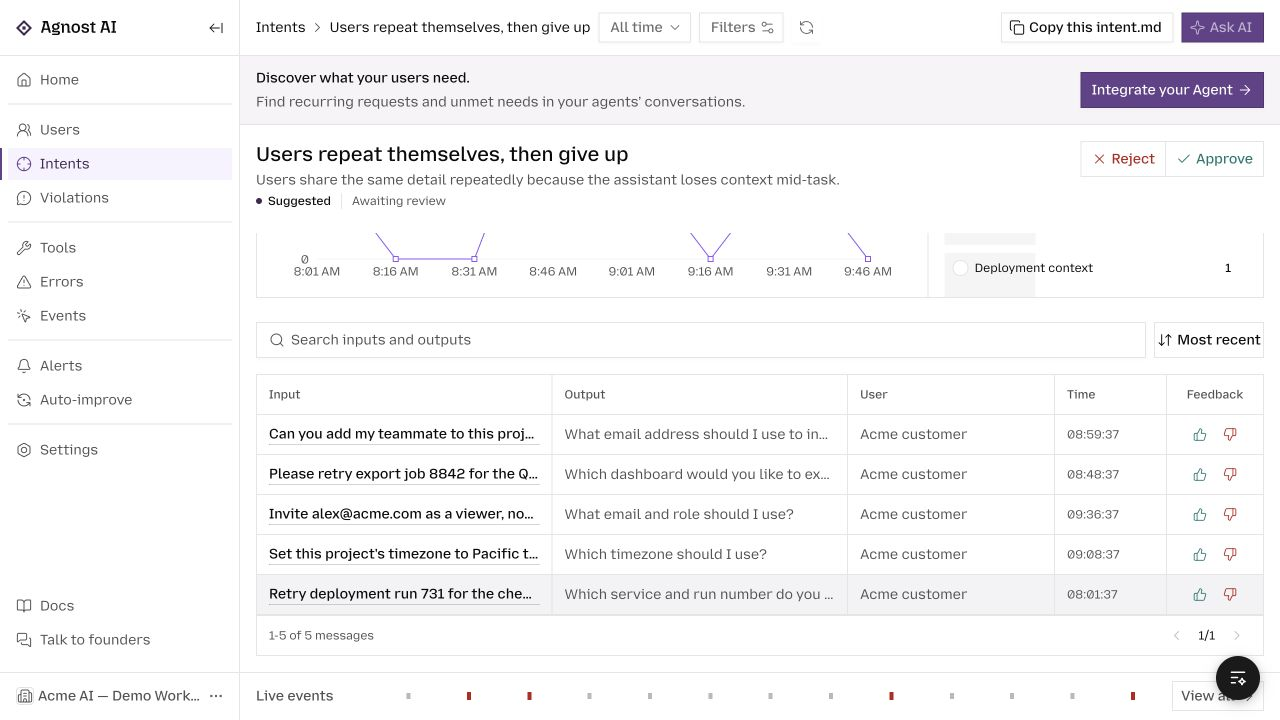
In Agnost, use Users for the request sequence and Events for the received records. Configured intents can organize demand; they do not replace a task-specific correctness criterion.
Frequently asked questions
Does Agnost optimize DSPy programs?
This integration is for observing calls and receiving traces. It does not run your optimizer or guarantee an improved program.
Should I log the full chain of thought?
Start with approved inputs, public outputs, module boundaries, and task-relevant evidence. Do not assume internal reasoning content is necessary or appropriate to collect.
For DSPy’s own concepts, see its module documentation and observability tutorial. For an introduction to optimization, read DSPy and GEPA explained.
Browse all agent observability guides by framework.