Tool calls feel like backend plumbing.
The agent calls the CRM. The billing API times out. The retrieval system returns stale docs. The calendar permission is missing. Engineers see traces, retries, error codes, and logs.
Users see something else.
They see the agent get weird.
A failed tool call is a user experience problem when the agent cannot complete the user’s job, explain the failure clearly, recover safely, or route the user to a better next step.
The tool failed in the backend. Trust failed in the conversation.
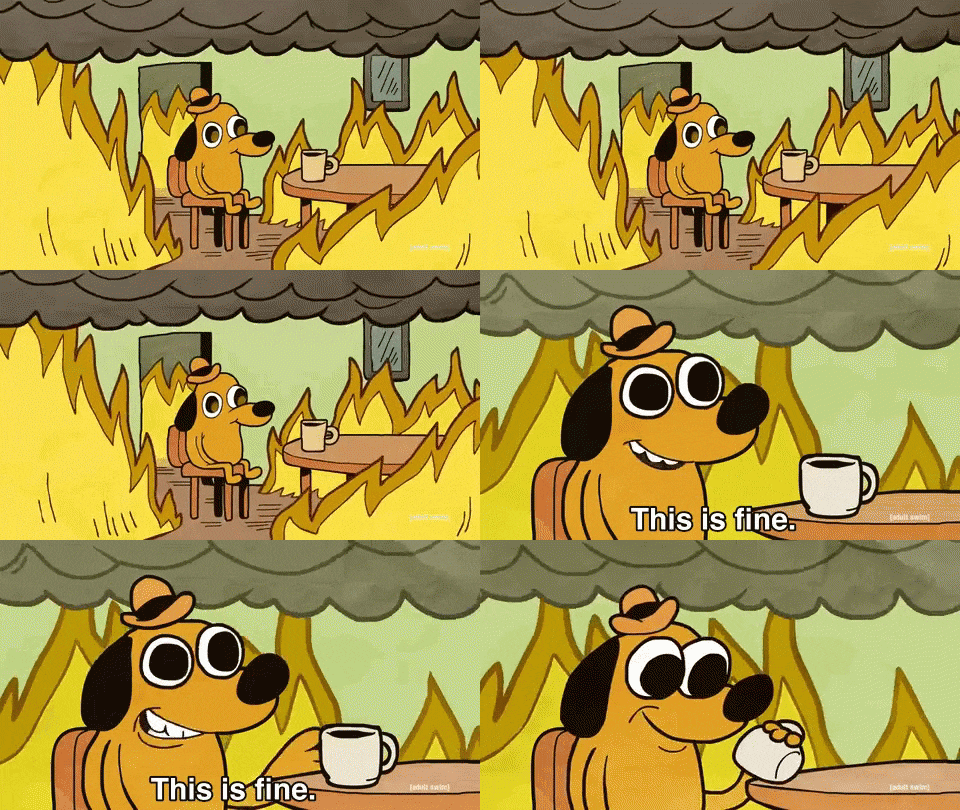
^ tool error rate at 2 percent, user trust error rate at please stop
Why tool failures feel worse in agents
In normal software, a failed API call often shows an error message.
In agents, the failure may turn into language.
That is dangerous. The agent might:
- pretend it completed the task
- give generic advice
- ask the user to repeat information
- choose a different tool silently
- hallucinate around missing data
- apologize without explaining the next step
The user does not know the billing API timed out. They only know the agent is suddenly vague.
Vagueness is expensive.
What should agents do when tools fail?
A good recovery should be specific, honest, and useful.
| Tool failure | Bad agent response | Better response |
|---|---|---|
| Timeout | “Something went wrong” | “I could not reach billing right now. I have not changed anything.” |
| Permission denied | “Please try again” | “I do not have permission to update this workspace. An owner needs to approve it.” |
| Empty result | “No data found” | “I could not find that account under this email. Want me to search by workspace ID?” |
| Validation error | “Invalid input” | “The new billing email needs to be a work email, not a group alias.” |
Notice the pattern: tell the user what happened, what did not happen, and what can happen next.
That is tool failure UX.

^ when the agent admits nothing was changed instead of inventing progress
What should teams measure?
Do not stop at tool error rate.
Measure:
| Signal | Why it matters |
|---|---|
| User turns after tool failure | Did recovery create more work? |
| Repeated tool attempts | Is the agent looping? |
| Abandonment after tool failure | Did trust break? |
| Escalation after tool failure | Did the fallback work? |
| Incorrect success language | Did the agent claim completion? |
| Same user returning later | Was the original task unresolved? |
Tool reliability and conversation quality need to meet in the same dashboard.
Otherwise backend says “transient timeout” while product says “why did this customer churn.”
The recovery copy matters
Tool failure recovery is partly product design and partly writing.
The agent needs to avoid three bad instincts:
- sounding mysterious
- pretending success
- dumping the error onto the user
Better recovery copy usually has this shape:
- What happened.
- Whether anything changed.
- What the agent can try next.
- When a human should step in.
For high-risk workflows, “I have not changed anything” is one of the most trust-preserving sentences an agent can say. Users want to know the failed tool did not half-refund a customer, half-delete a workspace, or half-send an email.
That sentence is not glamorous. It is useful.
TLDR
Tool calls are not just infrastructure.
When tools fail, the user experiences it as agent competence or incompetence.
Measure how the conversation recovers after tool errors, not just whether the error happened.
Agnost helps teams connect tool behavior to user behavior, which is where the useful fix usually lives.
FAQ
Should agents expose technical errors?
Usually no. They should expose practical truth: what failed, what was not changed, and what the user can do next.
Is retrying enough?
No. Retrying can help, but blind retries can create loops. The agent needs a recovery policy.
What is the worst tool failure behavior?
Claiming success when the tool failed. That destroys trust very fast.